Pet portrait rugs · GUIDE
How to Review a Custom Pet Rug Design Before Approval
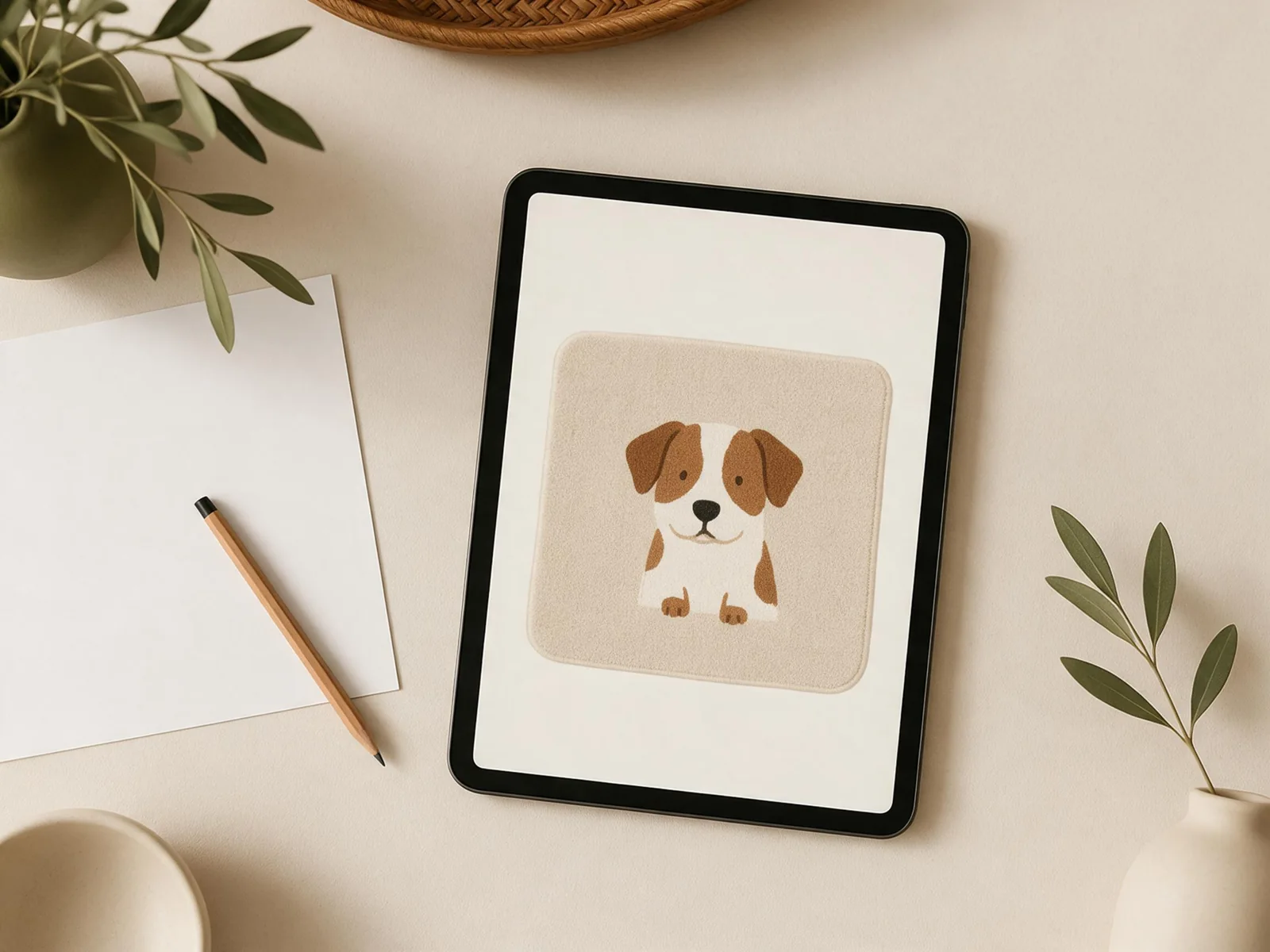
A custom pet rug design is easier to review when you compare it with the photo and instructions you supplied. Check the pet’s recognizable features first, then review the crop, rug shape, wording and proposed size. Before agreeing to a final design, ask which details the preview represents and which physical characteristics still need confirmation.
A preview is a design tool: it can show a proposed layout, but it is not a physical sample. Review arrangements, available changes and production details with your supplier for your particular order.
In this guide
1. Start with the reference photo and the whole face
Place your main photo beside the design. At a normal viewing size, ask whether the expression, head shape and pose feel familiar. Then compare the details that distinguish your pet:
- Eye shape and the direction of the gaze.
- Ear position, including any asymmetry.
- Muzzle and nose shape.
- Distinctive patches, a white chest, a dark eye marking or other recognizable features.
- A collar or accessory, if you asked for it to remain.
If a feature is hidden in the main photo, share a second clear image and explain what it is meant to clarify. For example: “Use the expression in photo 1; photo 2 shows the white patch above her left eye.” Identify the main reference so the two photos are not treated as competing poses.
Still choosing an image? Our guide to choosing a pet photo explains what to look for before sending it.
2. Check the crop, outline and visual balance
Look at the design as a complete shape. Are the ears, paws or tail included where requested? Does the portrait have enough room within the proposed outline? If the intended rug follows the pet’s silhouette, check narrow areas around the ears and other protruding details with the supplier.
For a face-only design, compare the crop with your reference and make sure the cut does not remove a feature you consider essential. For a full-body design, check the pose and the relationship between the head, body, paws and tail. If you want a background, confirm whether it sits inside the rug outline and whether its color competes with the portrait.
A useful request is specific: “Please leave both ear tips visible and keep the white chest patch inside the outline.” Avoid “make it better,” which leaves the designer guessing about the change you want.
3. Read every name, date and decorative detail
Read any text character by character against the wording you sent. Check spelling, capitalization, punctuation and the order of a date. For a name with an accent or unusual spelling, send the exact characters in writing rather than relying on a screenshot alone.
Also check the placement and relative size of any requested symbols or decoration. Ask the supplier whether the smallest text and narrow details are suitable for the final size and construction; a legible screen preview does not by itself establish how fine detail will appear on the finished surface.
4. Confirm size and what the preview can—and cannot—show
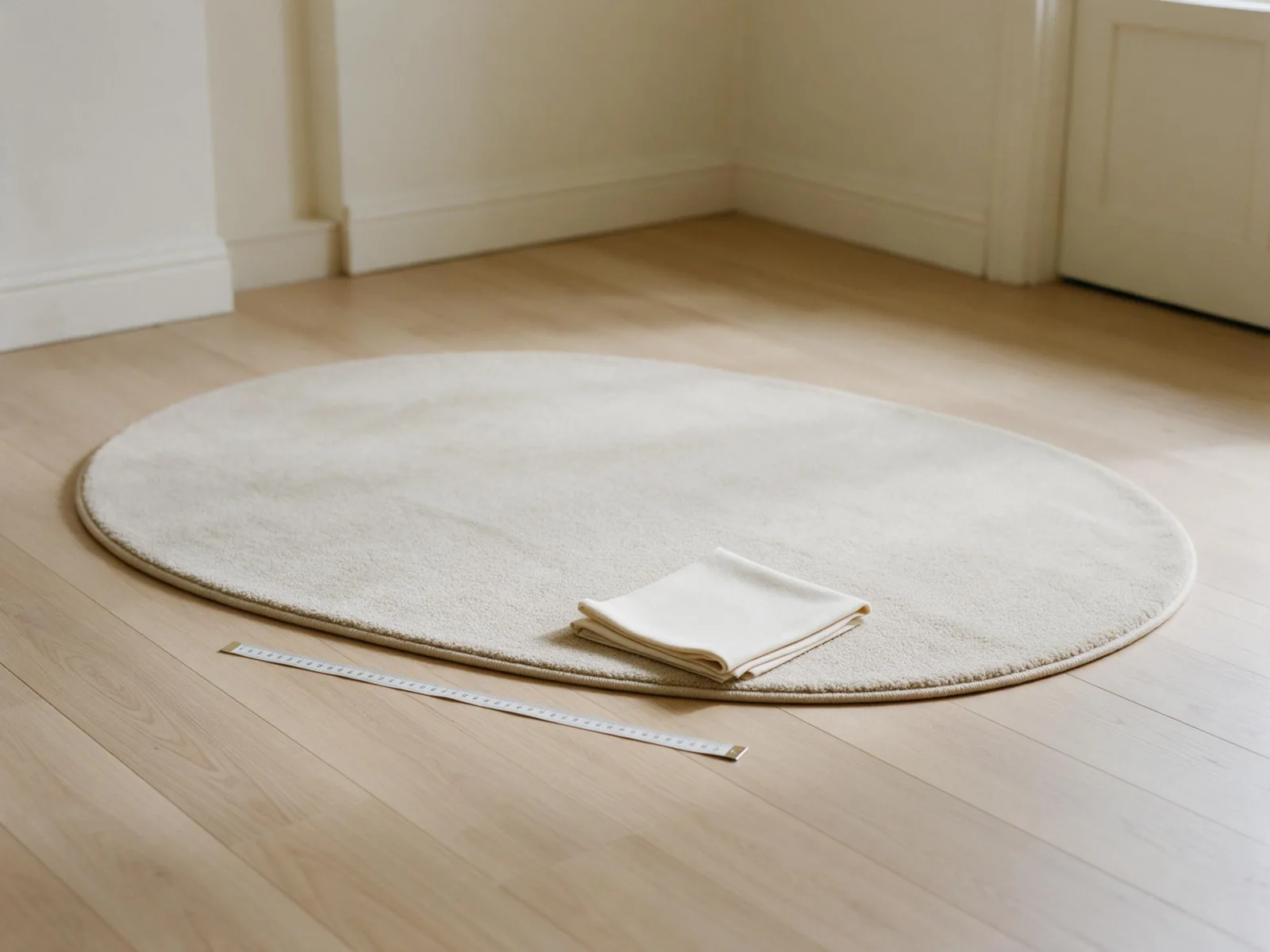
Measure the intended space and compare it with the proposed dimensions. Mew & Paw’s reference options for the longest edge are 60, 80, 100 and 120 cm, with 100 cm recommended; custom dimensions can also be discussed. Confirm the final dimensions and how they are measured for your particular design. Our rug size guide walks through placement decisions.
A screen image can help you assess the proposed composition and lettering. It does not establish the exact feel, backing, edge finish, washability or final color of a physical rug. Ask for the applicable product specifications and care instructions, and ask whether a physical sample or material reference is available when those details matter to your decision. Do not assume a preview is a photograph of the finished item.
For photo-based artwork, digital image detail depends partly on the available pixel dimensions and the size at which the image is reproduced. Adobe’s explanation of image resolution describes the relationship for printed images. It does not prescribe a universal resolution for every rug: ask the supplier to assess your actual image, intended dimensions and production method.
5. Give feedback that can be acted on
Gather your notes into one message and identify the design version you are reviewing. Separate essential corrections from preferences. A practical format is:
Reference: Use photo 1 for the pose and photo 2 for the white chest marking. Please change: Keep both ear tips inside the outline and correct the name to “Milo.” Please confirm: What are the final dimensions, and will the small name remain legible at that size?
This is an example of a feedback format, not an order or customer case. Before work begins, ask what review stages and changes are available, what a revision covers and when approval becomes final. These conditions vary by supplier and order.
When you receive an updated design, check the entire version again. A corrected name does not automatically confirm the crop, the markings or the dimensions. Keep the final image and the written specifications together so everyone is referring to the same version.
Final checklist
- The main reference photo and any supporting photos are identified.
- Expression, markings, ears and pose are recognizable.
- The crop and proposed rug outline include the important details.
- All requested text is checked character by character.
- The intended dimensions and measuring method are confirmed.
- Physical specifications and care instructions are confirmed separately from the preview.
- Review, revision and approval terms are clear for the order.
- The final version and written specifications match.
Ready to discuss a design? Visit custom pet portrait rugs and share your photo, preferred size and the details you want to preserve. The final specifications and available options can be confirmed during your inquiry.
Frequently asked questions
Does a design preview guarantee an exact color match?
No. Treat it as a way to review the proposed artwork and ask the supplier how color and surface appearance are assessed for the chosen product. A screen alone cannot establish the appearance of the finished physical rug.
What if my favorite photo is not very clear?
Send the best original available and explain which features matter most. Additional photos may clarify markings or shape. Ask the supplier to assess whether the source image is suitable for your requested design and size.
Can I request changes after reviewing the design?
Ask before ordering which changes are available, what they cover and when approval becomes final. Do not assume every supplier or order offers the same revision process.
Next, read how to care for a custom pet portrait rug and which instructions to request.
Planning a shared portrait? See our two-pet rug planning guide.
For dark-coated pets, see our black dog photo guide for lighting, markings and choosing a reference.