Pet portrait rugs · GUIDE
How to Photograph a Black Dog for a Custom Pet Rug
For a custom pet rug, choose a black dog photo where you can see the eyes, muzzle, ear edges and distinctive markings. Soft daylight and a background that contrasts with the coat can make those details easier to see. Use the original photo file and tell the maker which expression and features matter to you.
A phone photo can be a useful starting point. The goal is a recognizable reference, not a perfect studio portrait. If you are choosing from existing photos and cannot take another, send the best available image and ask what the maker can work with.
In this guide
Start with light on the face
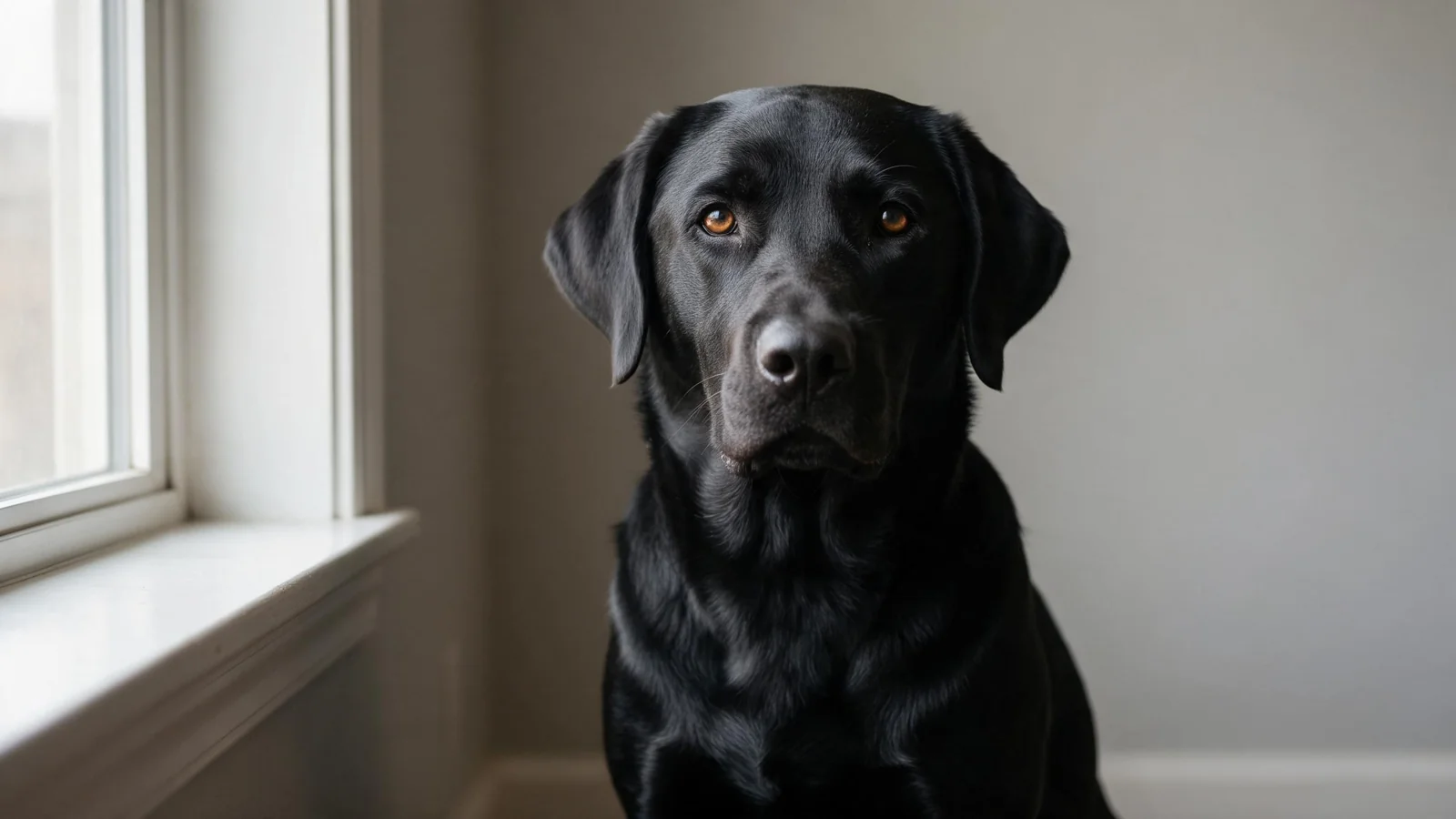
Try a comfortable spot near a window, with the dog facing toward the daylight rather than a bright window behind them. Outdoors, try even, open shade on a bright day. Look at the face on your screen: can you distinguish the eyes from the surrounding fur? Can you still see the shape of the muzzle?
Avoid forcing the dog into a pose. Let them settle, take a few pictures and stop if they lose interest. A familiar expression is useful when the rug is meant to look like that particular pet.
The National Great Pyrenees Rescue photo guide recommends enough window light for indoor dog photos and notes that direct flash can make black coats look shiny. Its examples were prepared for rescue listings; the same visual checks can help when selecting a portrait reference.
Separate the dog from the background
Choose a background that lets you see the outline of the head and ears. A mid-tone wall, blanket or other simple surface can work. The background does not have to be white: a very bright window or patch of sun may make it harder to see a dark face on your phone.
Look at the whole head before you take the picture. If an ear blends into a dark cushion, change your position or use a different background. A dog photographer's guide suggests looking for contrast without making the background excessively bright.
Focus on the eyes and keep the head in frame
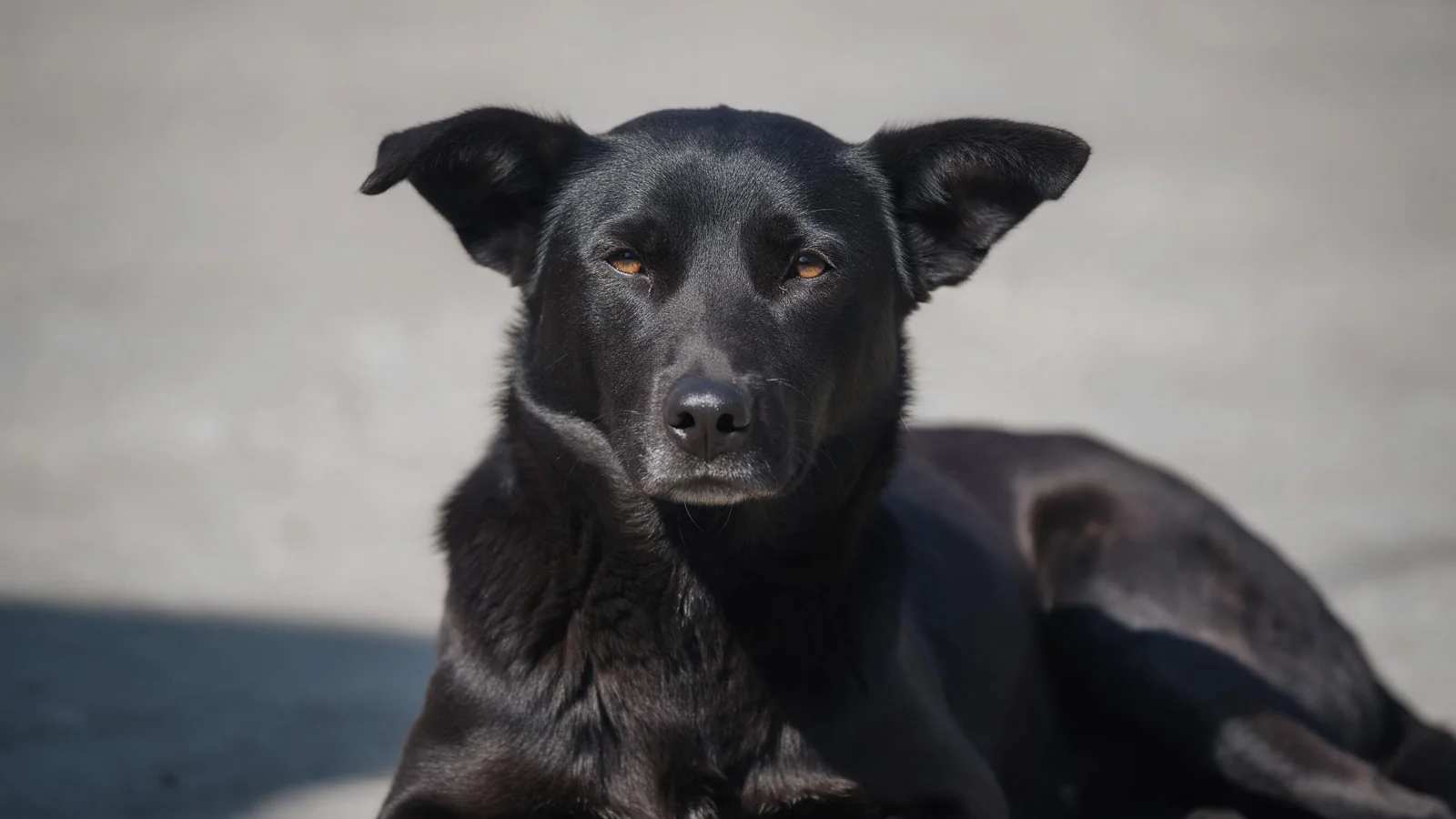
Bring the phone down near the dog's eye level when practical. If your camera allows it, tap the face to focus, then hold the phone steady while the dog pauses. Take a small selection with slightly different expressions or angles.
Open each saved photo and enlarge the face. Check both eyes, the nose and the edge of each ear. If those areas are blurred, a brightness adjustment cannot restore the missing detail; try another photo. Leave space around the ears rather than cropping tightly before the maker has seen the original.
A face-on view often makes a useful reference, but the best choice depends on the expression you want. Our general pet rug photo guide covers framing and other selection questions.
Check true markings, not just highlights
Black coats can show brown tones, white patches, grey hairs or a lighter muzzle. Compare the photo with your dog in ordinary light. A bright reflection can resemble a pale marking, while a heavy filter can change the coat's apparent color.
Keep the unedited original. If one image shows the expression and another shows a small marking more clearly, send both and explain the difference. Ask the maker whether the requested combination can be represented; do not assume every detail can be recovered from an unclear file.
Use brightness adjustments carefully. If lightening a photo makes the face visible but makes the coat look grey, try a different lighting position or share another reference. Preserve the version that shows your dog's actual coloring as closely as possible.
Choose and send your reference files
Before sending, compare your shortlist at full size. Pick a main photo for expression and head shape, then add a supplementary image only when it explains a feature the first one misses. Send original files where possible instead of screenshots of a photo gallery.
Include a short note with your request:
- Which image is the main reference and which is supplementary.
- Whether the rug should show the head only or another agreed crop.
- The markings, ear shape and eye color you want preserved.
- Any area that looks different in the image because of reflection or lighting.
- The intended space and approximate preferred size, with final dimensions to be confirmed.
See the rug size guide for planning the space. Share your reference through custom pet rugs and ask the maker to confirm the available options for your project.

Review the portrait before approving it
When a design proof is available, compare it with the reference at a size where you can see the eyes, muzzle, ear shape and markings. Check that the portrait represents the same pet and the agreed crop. Point out any feature that is missing or has been mistaken for a highlight.
Describe the change specifically: for example, identify a real white chest patch or an uneven ear rather than saying only that the portrait looks wrong. Discuss requested changes before approving the design. Our pet rug design proof checklist offers more questions to ask.
Frequently asked questions
Can I use a phone photo of my black dog?
Yes, a clear phone photo can be a useful reference. Check that the face and markings remain visible when you enlarge the saved image, and send the original file when possible.
Should I use a flash?
Try sufficient soft daylight first. Direct flash can create bright reflections on a dark coat; if the face is still unclear, change the position or light and compare the results.
What if my favorite photo is dark or blurry?
Send it along with a clearer image if you have one. Explain which expression you prefer and ask the maker what can be represented from the available references. Do not assume editing can restore details that were never captured.